Device List Filtering
The device lists in the Routing view can be filtered using the 'Filter Transmitters' and 'Filter Receivers' boxes, below the Dante logo in the top left-hand corner. Any text string typed into the box will filter the view to only display devices that contain that text string, in either a device name, or channel name.
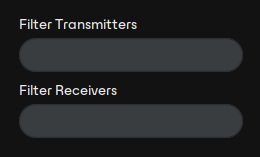
The filtering is case-insensitive. For example, in the Dante Controller Network view shown here, entering the string “foh” in either of the Filter fields would display only the FOH-Amp and FOH-Console devices, and their channels.
See also: Advanced Filter